Using Match Color in Photoshop
Match Color analyzes the colors of an image and applies them to another image. This way you can transfer the color palette between images. Not only are the colors changed: the contrast of the image is also somewhat transferred. Transferring colors between images can be useful if you have images with a color gradient:
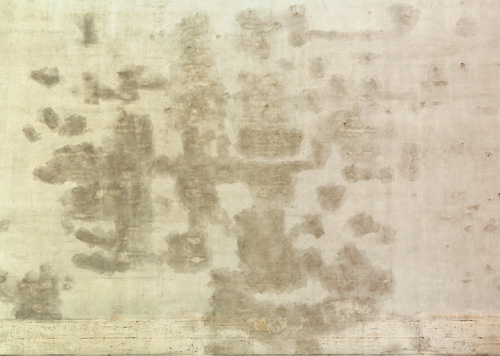
Such an image would be hard to make seamless, because the colors differ from one edge to the other.
Match Color to the Rescue
Here is how it works:
-
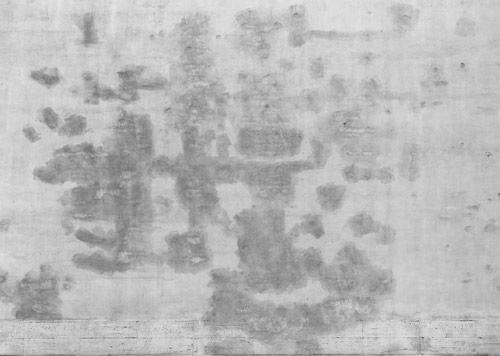
Completely desaturate the image:
-
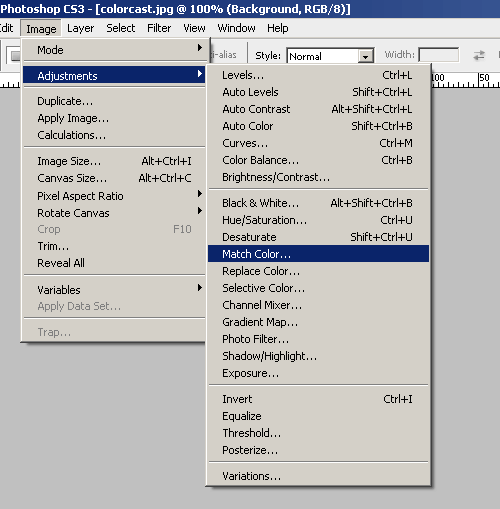
Choose "Match Color" from the menu:
-
A new window will pop up. At the bottom of the window select the source image you want to use. "Plaster.psd" is my working document, "IMG_4234.jpg" is the original photo.
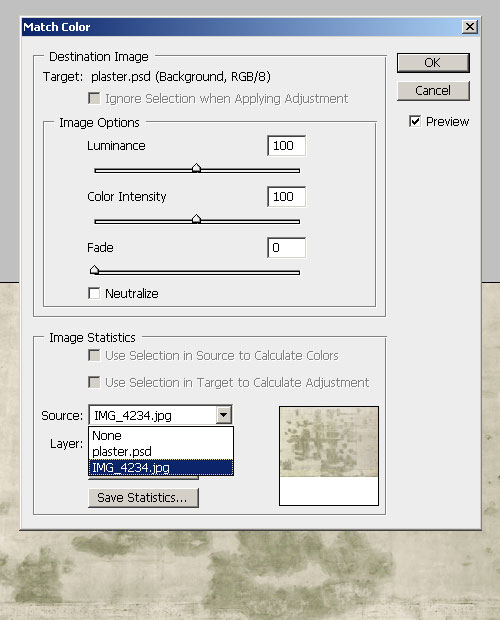
Instead of picking the colors from a different file you can also take the colors from a layer in the same image. The sliders will let you set the strength of the effect.
-
The end result:
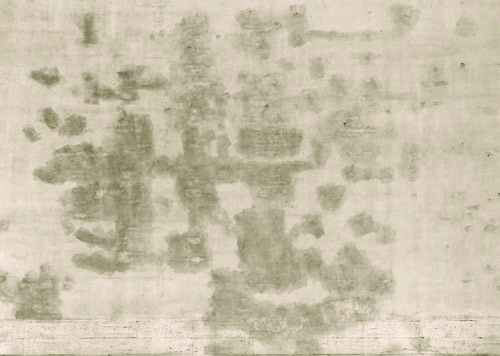
Excellent, now my texture has the original colors but without the ugly color variation from side to side!
For the best results the two images need to have more or less the same color range. If you apply an image with very little contrast to an image with a lot of contrast the result will be a very washed out image. Experimentation is needed! As always you should work in layers and apply the Match Color on a new layer, so that you can blend and mask the effect for more control.
More Examples
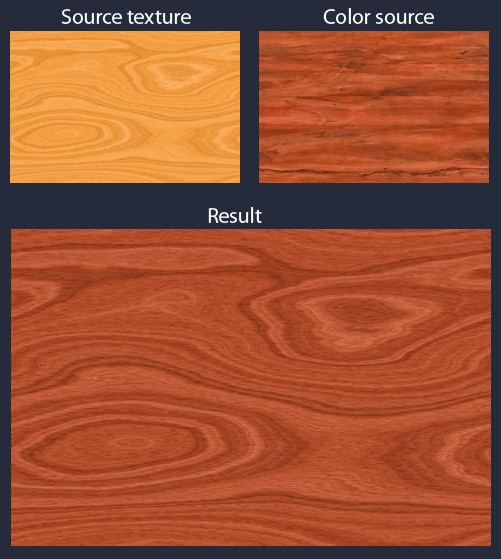
Being able to transfer colors is very useful, how about recoloring a wood texture?
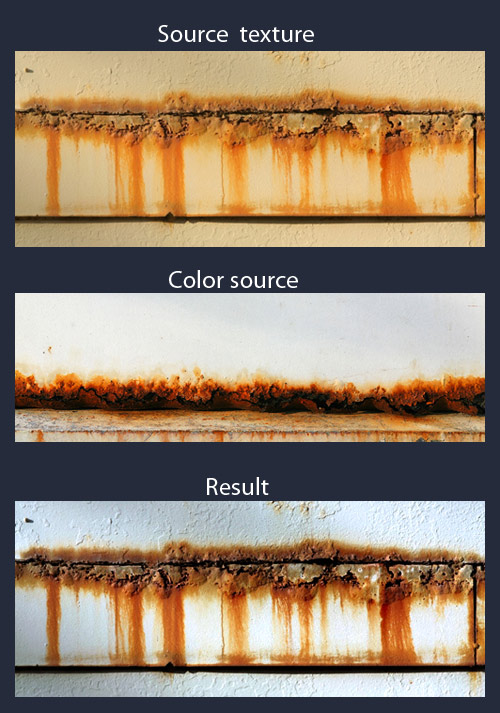
Here is another example: This rusty edge is very nice, but I would like it with less yellow color cast. By applying a texture with a color palette I like, I can easily fix it:
Using Match Color on multiple textures
By applying the same source image to multiple textures you'll be able to get a very consistent overall color scheme. All of your textures will have the same color palette.
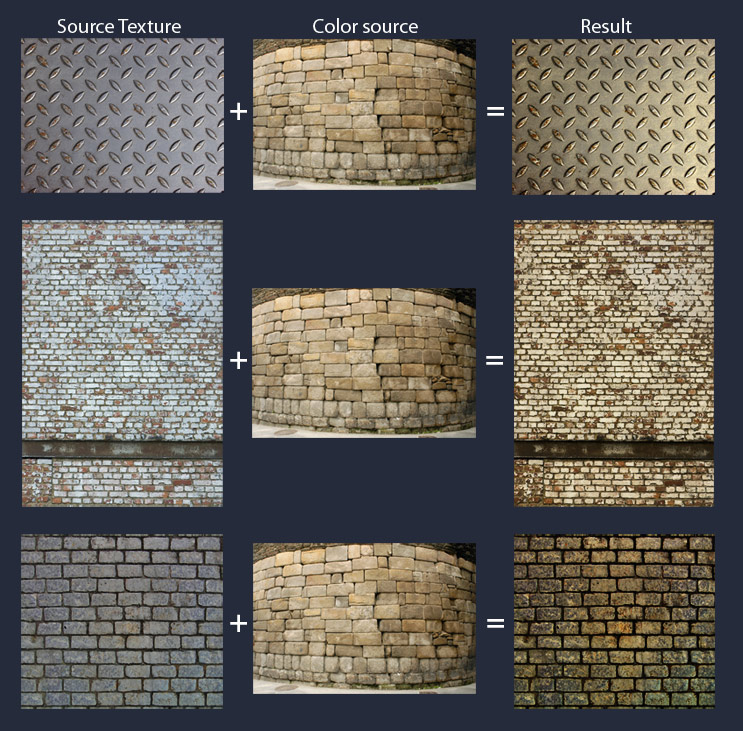
Obviously this shouldn't be overdone, because if all colors are the same your scene will look very bland!
If you discover other uses for this tool please let me know and I will add them to this tutorial.